

Hey there, tech enthusiasts! Whether you’re a casual browser, a hardcore gamer, or a work-from-home warrior, one thing’s for sure: the right computer peripherals can totally transform your experience. Today, we’re diving deep into the world of computer hardware, focusing on the gear that connects to your computer and makes everything more fun, efficient, and user-friendly. So grab a snack, settle in, and let’s get this party started!
What’s the Deal with Computer Peripherals?
Alright, let’s kick things off with the basics. Computer peripherals are those nifty gadgets that you connect to your computer to make it do more than just sit there and look pretty. They fall into three main categories:
- Input Devices: These are the tools you use to tell your computer what to do.
- Output Devices: These show you what your computer is doing.
- Storage Devices: These keep your data safe and sound for when you need it later.
It’s like building your own tech playground—each piece adds a new dimension to what you can do!
Input Devices: Your Hands on the Control
1. Keyboards: The Unsung Heroes
Let’s talk about keyboards. They’re like the faithful sidekicks of your computer. You’ve got your classic mechanical keyboards that click and clack like a charm, or the sleek membrane keyboards that are quiet and smooth. If you’re all about comfort, ergonomic keyboards can save your wrists from turning into pretzels!
But it doesn’t stop there! There are also RGB keyboards for those who love to customize their setups with colorful lights. Gamers often prefer keyboards with programmable keys, allowing them to set macros for their favorite games. And let’s not forget about the compact keyboards, perfect for those who want to save desk space or travel light.
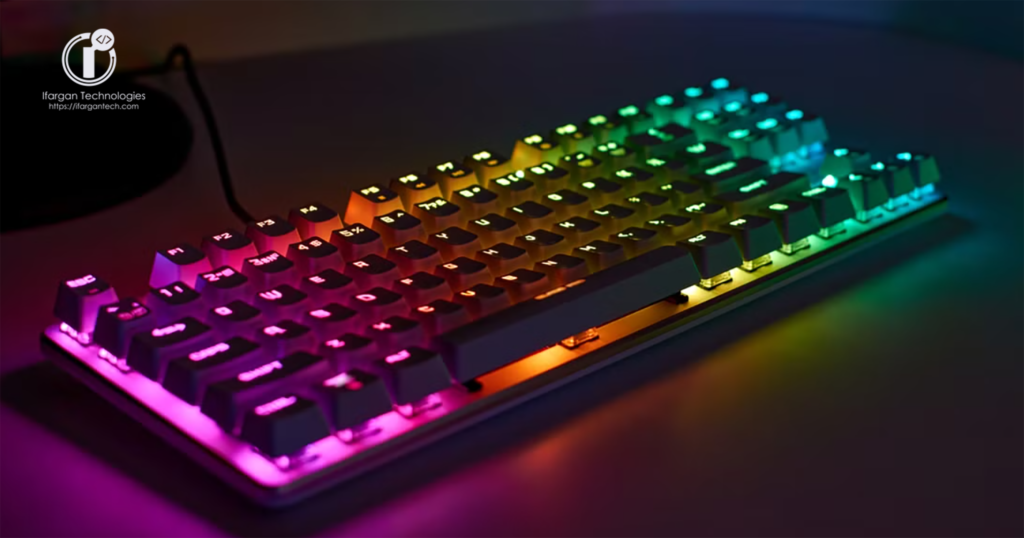
- Mechanical Keyboards: Perfect for typists and gamers; they provide tactile feedback and durability, often featuring customizable keys.
- Membrane Keyboards: Quieter and usually cheaper, but they might not last as long.
- Ergonomic Keyboards: Designed to reduce strain, great for long hours of typing. They often have a split design to keep your hands in a more natural position.
- Compact Keyboards: Ideal for portability, these keyboards often lack a number pad but can still pack all the essential keys.
Desktop vs. Laptop Keyboards:- Desktops: Bigger, often with extra keys for shortcuts and a numpad for those math whizzes out there.
- Laptops: Compact, sometimes a little cramped, but hey, they’re portable! Laptop keyboards can also feature backlighting, which is a great perk for typing in low light.
2. Mice: Click, Click, Hooray!
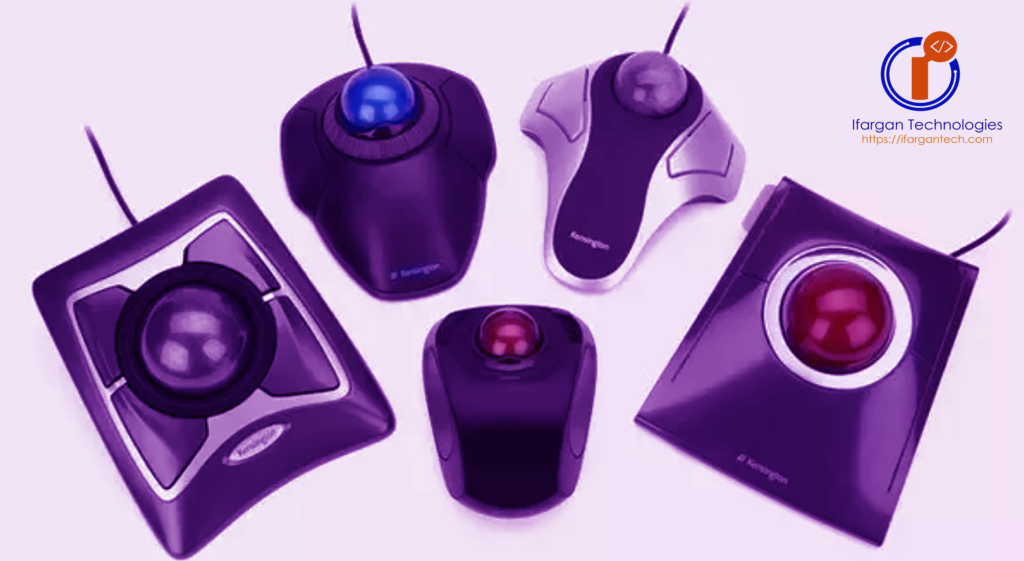
Next up, the mouse! This little guy helps you navigate your digital world. From the classic optical mouse to snazzy laser mice that glide smoothly over any surface, there’s a style for everyone. And don’t forget the trackball mouse—perfect for those who like to keep their hand still while they roll!
There are also gaming mice that come with customizable weights and DPI settings for precision control during intense gaming sessions. Some even have additional buttons for quick access to in-game commands. If you’re into design or video editing, you might want a mouse with a high DPI for better accuracy.
- Optical Mouse: Uses a light sensor; great for general use and widely available.
- Laser Mouse: More sensitive, ideal for high-resolution displays; perfect for graphic designers and gamers who need precision.
- Trackball Mouse: Allows you to control the cursor by rotating a ball, which can be easier on the wrist for some users.
- Gaming Mouse: Features customizable buttons, adjustable DPI settings, and often RGB lighting for that extra flair.
Desktop vs. Laptop Mice:- Desktops: Usually come with a separate mouse, so you can choose something that feels just right, with options for wired or wireless connectivity.
- Laptops: Most have a built-in touchpad, but an external mouse can make things way easier, especially for tasks requiring precision.
3. Scanners: Digitizing Your Life
Got old photos or important documents? Scanners are your best friends! Whether you opt for a flatbed scanner for those larger items or a sheet-fed scanner for speedy multi-page scans, you can turn your paper clutter into neat digital files.
You might even consider a portable scanner for those who are always on the go. These handheld devices can scan documents and photos quickly, making them a great choice for professionals who need to digitize paperwork in a pinch.
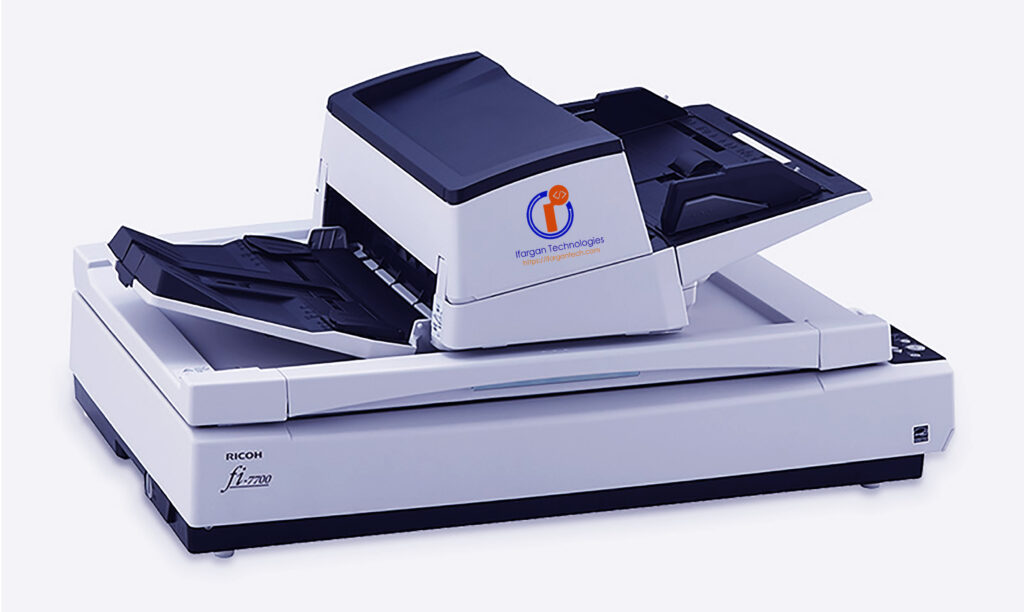
- Flatbed Scanners: Best for scanning books and larger documents, they provide high-quality scans.
- Sheet-fed Scanners: Great for quickly scanning multiple pages, perfect for office settings.
- Portable Scanners: Compact and easy to use, these are perfect for scanning documents on the go.
4. Game Controllers: For the Gamers
If you’re into gaming, you might want to grab a game controller - You can call also Joystick. These come in various forms, from traditional console controllers to specialized ones for PC gaming, offering a more immersive gaming experience. Some controllers even have customizable buttons and settings for different games, making them versatile for any gaming genre.

- Console Controllers: Designed for specific gaming consoles but can often be used with PCs as well.
- PC Gamepads: Designed for computer gaming, these often have additional customization options for a tailored gaming experience.
- Racing Wheels: Perfect for racing games, these controllers provide a more realistic driving experience.
Output Devices: Show Me the Magic!
Now that you’ve input your data, let’s talk about how you see it. Output devices are where the magic happens!
1. Monitors: Your Window to the World
Your monitor is your main visual hub. From basic LCDs to vibrant OLEDs, the right monitor can make a world of difference. Bigger screens mean more space for multitasking (hello, spreadsheets and Netflix!).
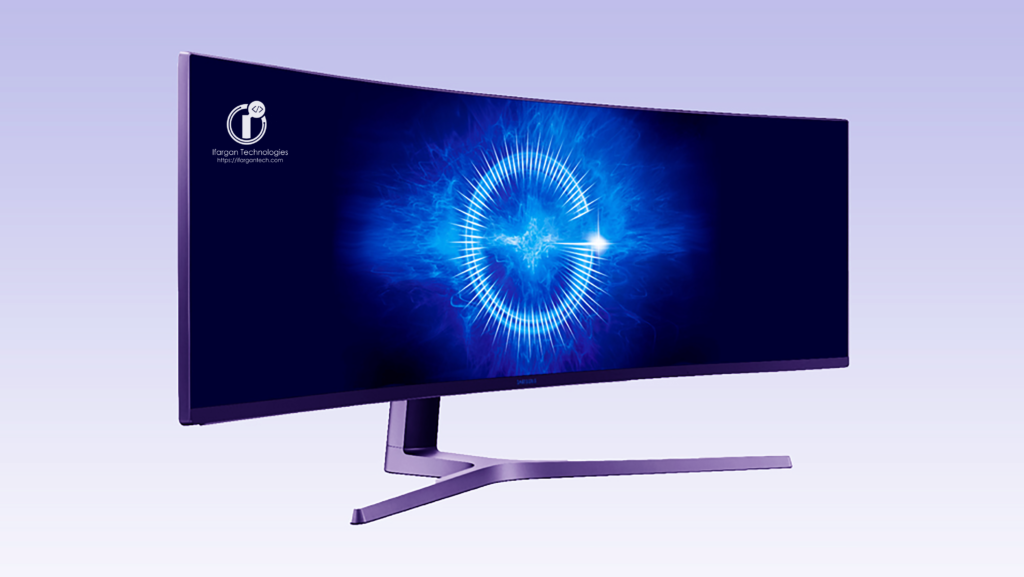
Consider monitors with high refresh rates for gaming or those with 4K resolution for stunning visuals. There are also curved monitors that provide a more immersive experience, allowing you to see more of the screen at once.
- LCD (Liquid Crystal Display): Commonly used, energy-efficient, and offers sharp images; great for general use.
- LED (Light Emitting Diode): A type of LCD that provides better contrast and color accuracy; perfect for photography or design work.
- OLED (Organic Light Emitting Diode): Offers superior color and contrast, but generally more expensive; ideal for media consumption.
- Curved Monitors: Designed to enhance immersion, these monitors wrap around your field of vision for a more engaging experience.
- High Refresh Rate Monitors: Essential for gamers, these displays can refresh up to 240Hz, reducing motion blur and improving overall gameplay.
Desktop vs. Laptop Monitors:- Desktops: You can hook up multiple monitors—talk about workspace goals! Dual or triple monitor setups can enhance productivity immensely.
- Laptops: Usually have one built-in screen, but you can always connect an external monitor if you want to go big. This flexibility allows you to expand your workspace effortlessly.
2. Printers: From Digital to Physical
Need to print out your latest masterpiece? Printers are still relevant! Inkjet printers are great for colorful images, while laser printers are your go-to for speedy text documents. With advances in technology, there are now all-in-one printers that combine printing, scanning, and copying into one device, saving space and money.
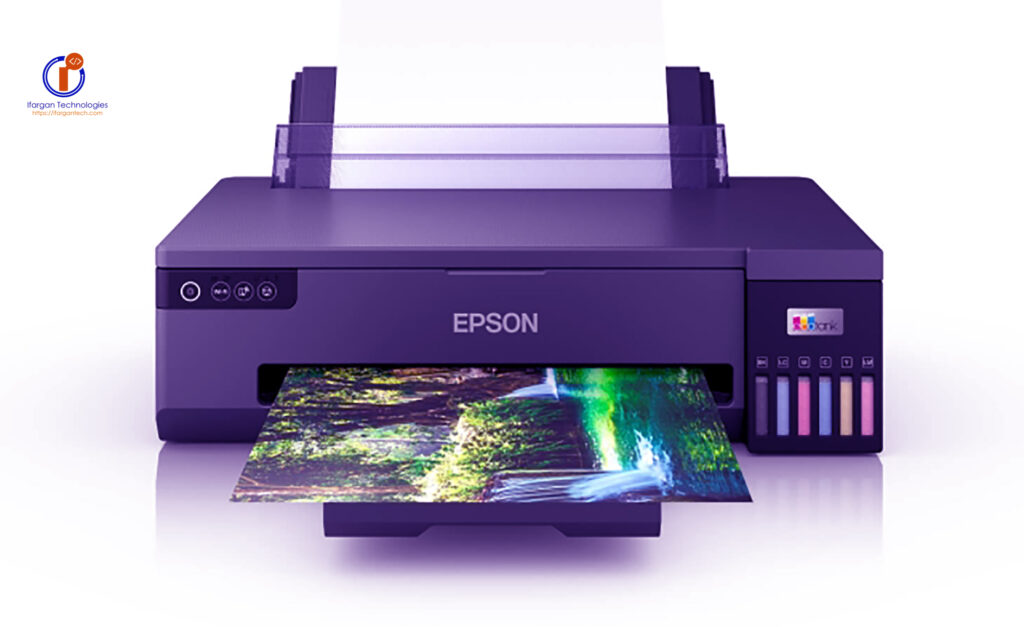
- Inkjet Printers: Perfect for high-quality color prints and photos; versatile and affordable.
- Laser Printers: Fast and efficient for large text documents; cost-effective in the long run for heavy users.
- All-in-One Printers: Combine printing, scanning, and copying functions; great for home offices and small businesses.
3. Speakers and Headphones: Let the Good Times Roll
Whether you’re jamming out to tunes or diving into a gaming session, quality audio gear is a must. From comfy over-ear headphones to powerful external speakers, investing in sound can elevate your entire experience.
Consider noise-canceling headphones for an uninterrupted listening experience, or Bluetooth speakers for a portable sound solution. If you’re into serious audio production, studio monitors provide the flat response needed for mixing and mastering.
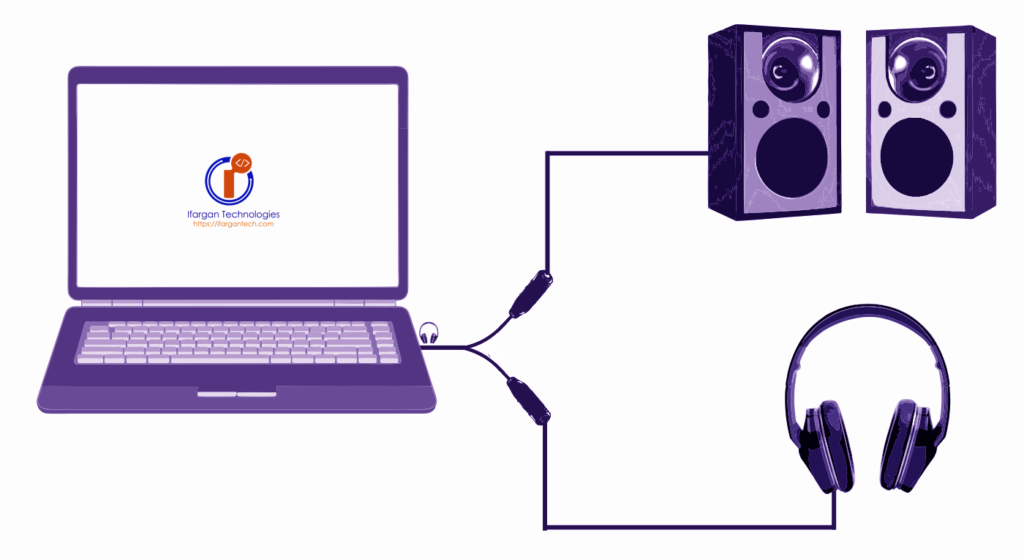
- Bluetooth Speakers: Portable and wireless, perfect for music on the go.
- Noise-Canceling Headphones: Block out distractions, ideal for travel or focused work sessions.
- Studio Monitors: Essential for audio professionals, these speakers deliver accurate sound for mixing and production.
Storage Devices: Keepin’ Your Data Safe
Don’t let your precious files disappear into the digital void! Storage devices are here to save the day.
1. Hard Drives: The Big Storage Heroes
Hard drives come in two flavors: HDDs and SSDs, and understanding their differences is crucial.
- HDD (Hard Disk Drive): Traditional storage with spinning disks. They’re larger and more affordable but slower. Ideal for users who need lots of space without breaking the bank. Great for storing large files like videos and games.

- SSD (Solid State Drive): No moving parts, making them faster, more reliable, and less prone to failure. They’re pricier per gigabyte but offer significantly quicker boot and load times. Users often notice a dramatic improvement in system responsiveness with SSDs.
HDD vs. SSD: The primary difference lies in speed and durability. HDDs are slower due to their mechanical nature, while SSDs provide rapid access to data, resulting in faster program load times and system boot-ups. SSDs are also more resistant to physical shock, making them a safer option for laptops.
2. USB Flash Drives: Pocket-Sized Life Savers
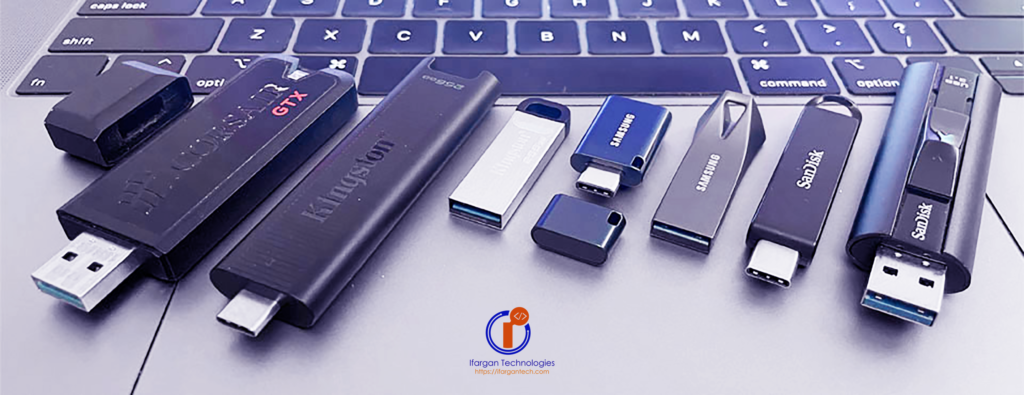
These little guys are perfect for transferring files on the go. Stash one in your bag, and you’ll always be ready to share or back up important documents. They come in various sizes, from a few gigabytes to several terabytes, so you can choose based on your needs.
3. External Hard Drives: Extra Storage On the Go
If you need more space, external hard drives are a great option. They connect via USB and can hold tons of data, making them perfect for backups or storing large files. Plus, they’re portable, so you can take your data wherever you go.
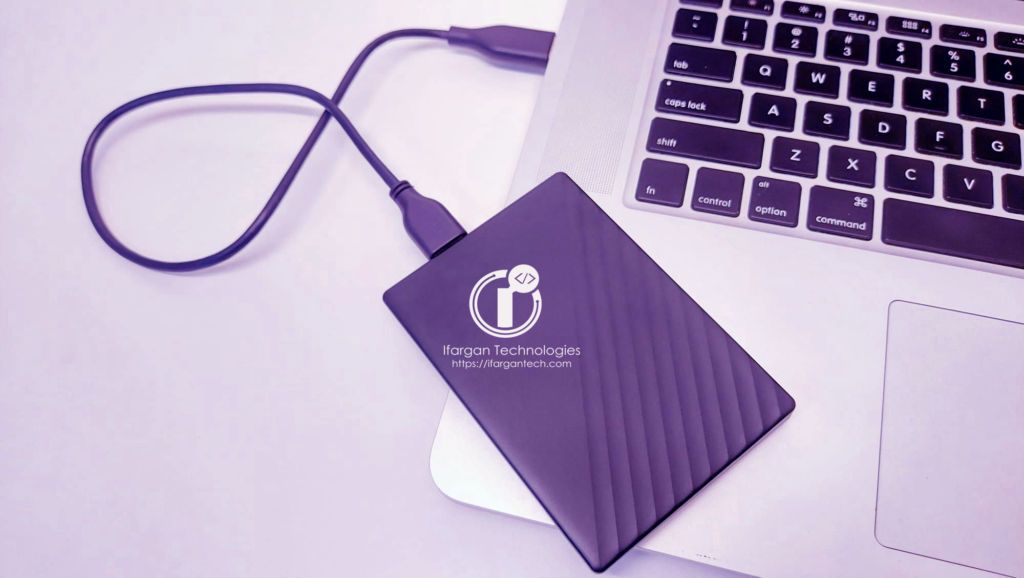
- Portable External Hard Drives: Small and easy to carry, these drives are great for on-the-go storage.
- Desktop External Hard Drives: Larger and often faster, these drives typically require external power and offer more storage.
The Extras: Amp Up Your Setup!
Now that we’ve covered the essentials, let’s look at some fun extras that can really enhance your experience.
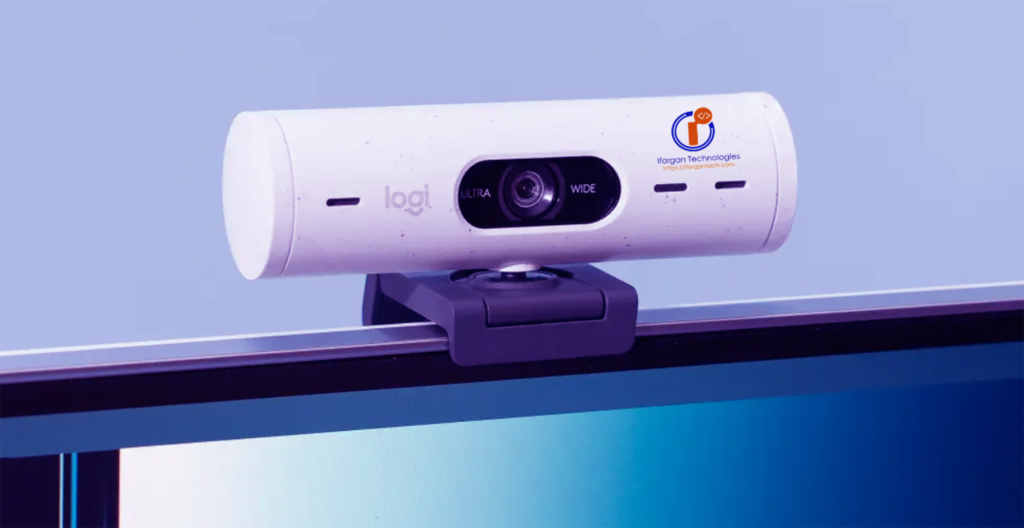
1. Webcams: Say Cheese!
With video calls being the norm, a good webcam can make all the difference. From basic models to high-definition options, you’ll want to look your best on that Zoom call! Some webcams even come with built-in microphones and ring lights, ensuring you look and sound fantastic.
2. Microphones: Crystal Clear Sound
For podcasting, gaming, or just sounding good on calls, a quality microphone can be a game-changer. USB mics are easy to use and can dramatically improve your audio quality. Consider a dynamic microphone for vocals or a condenser mic for a wider frequency response.

- USB Microphones: Convenient and easy to set up, perfect for streaming or podcasting.
- XLR Microphones: Require an audio interface but offer superior sound quality; great for professional applications.
Wrap-Up: Level Up Your Tech Game
So readers, there you have it—a deep dive into the world of computer peripherals! Whether you’re jazzing up your desktop setup or optimizing your laptop, the right gear can make all the difference.
So, choosing the right peripherals is all about understanding your needs and preferences. So go ahead, mix and match, and create a setup that’s uniquely yours. With the right tools at your disposal, you can elevate your productivity, enhance your gaming experience, and enjoy your media like never before. Happy teching, friends! Let’s make your computing experience not just functional, but downright fun!


Great content. Could you please write a blog on different machines in the same compilation?
Good!
Hello there! I could have sworn I’ve been to this website before but after browsing
through some of the post I realized it’s new to me. Anyways,
I’m definitely glad I found it and I’ll be bookmarking and checking back often!